Getting Started with your Schematic
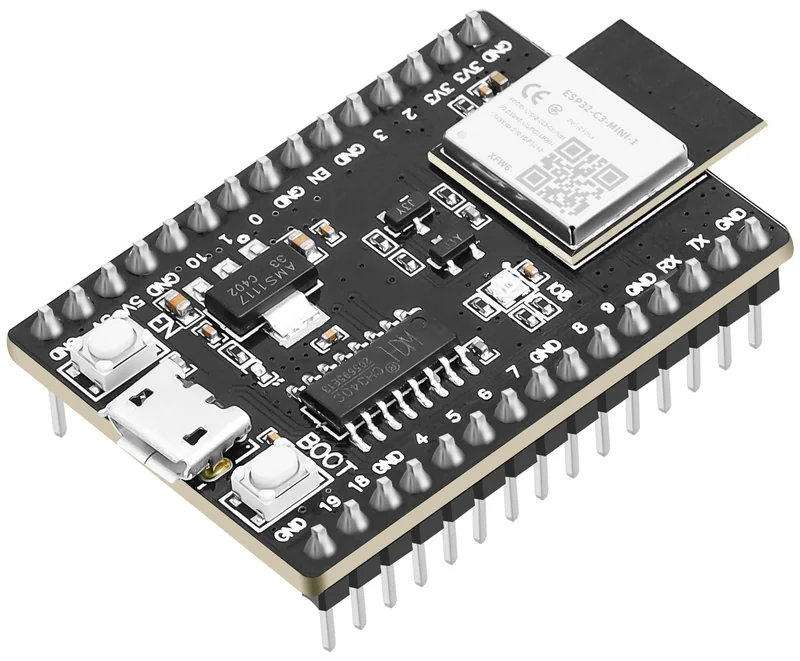
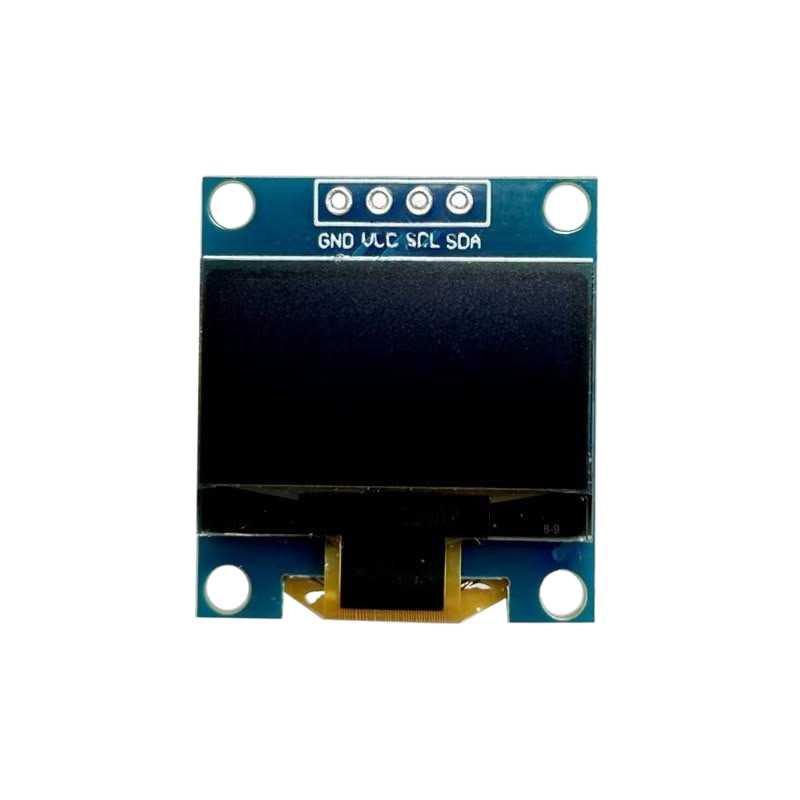
Here’s how the wiring works
Four wires connect your screen to your devboard. Point at one to learn what it does!
- Unplug the USB cable before moving any wires.
- Find each pin by the label printed next to it on your board. The pins in this diagram are lined up to keep the wires straight; on your board they’ll be in different spots.
- Wire colours don’t matter to the electronics. Using these colours just makes mistakes easier to spot.
- Double-check VCC and GND aren’t swapped. That’s the one mistake that can damage the screen.
Want to know how wiring other components works?
Click them to learn more!